QUICK TAKEAWAY
Choose a power bank that matches your phone and your day. Compare usable capacity, supported charging standards, per-port output and the weight you will carry. A large mAh number or a “fast charging” label alone does not tell you how well it will fit your routine.
1. Start with your everyday charging needs
Think about when you actually run short of battery: the evening commute, a day of calls and navigation, or a long outing without access to a socket. Decide whether you need an occasional top-up or a backup for more than one device.
Write down the exact phone or tablet models you intend to charge. If you also want laptop charging, treat that as a separate requirement: check the laptop manufacturer’s supported charging method and power requirements before shortlisting a power bank.
Our buying approach: choose around the device you rely on most. Extra capacity and additional ports are useful only if you will carry and use them.
2. Understand capacity before comparing mAh
The headline capacity usually describes the internal battery cells. It is not the same as the charge delivered to your phone. Anker explains that internal cells and USB output operate at different voltages, and that conversion losses further reduce the energy available at the output.
Do not divide the advertised power bank mAh by your phone’s battery mAh and treat the answer as a guaranteed number of full charges. Look for rated output capacity, its stated voltage, and any recharge claims that name the tested phone and conditions. Use those claims as model-specific reference points rather than a promise for every device.
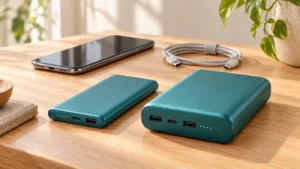
For your shortlist, compare dimensions and weight alongside capacity. Decide how much backup you need and how much space you are willing to give it in your everyday bag.
| Your routine | Prioritize | Question before buying |
|---|---|---|
| Occasional phone top-ups | Compact size, useful output and a convenient cable | Will I carry it every day? |
| Long days away from a socket | Rated output capacity, weight and recharge time | Does the documented backup meet my needs? |
| Phone plus a second device | Suitable ports and simultaneous-output specifications | What power does each device receive together? |
| Laptop backup | Explicit laptop compatibility and required charging profiles | Does it support my exact laptop’s requirements? |
3. Match charging speed to your device
Check the charging standard supported by your device and the output specifications of the port you will use. USB Power Delivery (USB PD) is a charging standard described by USB-IF; the capabilities of a particular power bank must still be checked in its specifications.
A USB-C connector by itself does not establish the supported charging power. Read the actual output profiles, confirm the required charging protocol, and use a cable suitable for that combination. Where your device manufacturer specifies Programmable Power Supply (PPS) or another requirement, check for it explicitly.
Google’s Pixel guidance, for example, lists compatible PD and PPS power adaptors and notes that charging speed can vary with the cable and charger. Use your own device manufacturer’s guidance for the exact model, rather than assuming that every phone supports the same setup.
4. Check ports and how the power bank recharges
Separate input from output: output charges your device; input recharges the power bank. Check whether the USB-C port you intend to use supports both, and whether a suitable wall charger and cable are included or need to be purchased separately.
Compare the manufacturer’s recharge-time claim together with the charger and conditions used. Anker’s Nano 10K/45W FAQ provides both a recharge setup and different output limits for multiple-port use. This illustrates why a model’s headline output should not be assumed to apply to every port combination.
If you want to recharge the bank while it charges another device, look for explicit pass-through support and its limits. For earbuds or other small accessories, check whether the manufacturer documents a suitable low-current charging mode.
5. Decide which convenience features matter
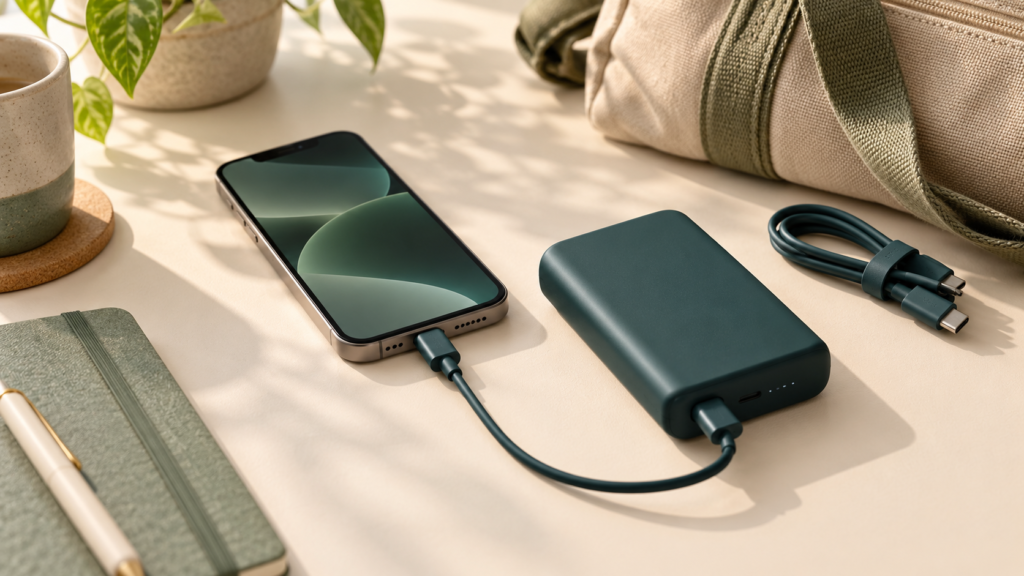
A built-in cable can reduce what you carry, but check its connector, length and what happens if it wears out. A separate cable is another item to pack, so compare the whole setup rather than the power bank alone.
If wireless charging appeals to you, confirm compatibility with your exact phone and case. Google provides model-specific wireless charging guidance and notes that case compatibility can affect charging. Treat magnetic attachment and electrical charging compatibility as details to verify, not assumptions based on appearance.
Consider the shape, grip, charge indicator and how the connected cable will sit when the phone is in use. Our practical suggestion: prefer features that solve an everyday inconvenience over ones you will rarely use.
6. Check registration, support and travel plans
For purchases in India, BIS lists power banks for portable applications under its Compulsory Registration Scheme. Verify the registration details for the exact product rather than relying only on a marketplace badge or a seller’s claim.
Compare the warranty, seller, invoice requirements and local support process. Look for a clear model number and accessible operating instructions. Before buying for air travel, check your airline’s current rules for capacity, quantity, packing and use on board; do not assume that a seller’s “flight approved” description settles every journey.
7. Your before-buying checklist
- I have identified the devices and daily backup I need.
- I understand the difference between headline and output capacity.
- I have checked the charging standard, port output and cable requirements.
- I know the power available when my devices are connected together.
- I have checked recharge time and any extra charger or cable cost.
- The size, weight and convenience features suit my daily carry.
- I have verified product details, support and any airline requirements.
DesiredCart’s view: choose the power bank whose capacity, compatibility and everyday handling you understand. Keep your shortlist focused on the charging problem you actually need to solve.
Deciding how much backup to carry? Read our 10,000 mAh vs 20,000 mAh power bank comparison for everyday-carry and longer-outing trade-offs.
Sources and editorial approach
This is a research-based buying guide, not a hands-on test or a ranked product recommendation. The shortlist questions are DesiredCart’s editorial suggestions. Manufacturer examples explain what to check; they are not endorsements. Follow the instructions for your exact devices.
- Anker: internal and rated output capacity
- USB-IF: USB Power Delivery overview
- Google: Pixel charging compatibility
- Anker: model-specific recharge and multiple-port example
- BIS: products under the Compulsory Registration Scheme
References last checked: 9 October 2026.
Learn how we review or read our affiliate disclosure. This guide contains no affiliate purchase links.